





Description
Box Message for Elementor WordPress Plugin 1.0
🌟 Highlight Important Messages with Style
The Box Message for Elementor Plugin (v1.0) allows you to create stylish, attention-grabbing message boxes on your WordPress website. Perfect for announcements, alerts, tips, promotions, or call-to-actions, this plugin helps you communicate important information clearly and visually using Elementor.
🚀 Key Features
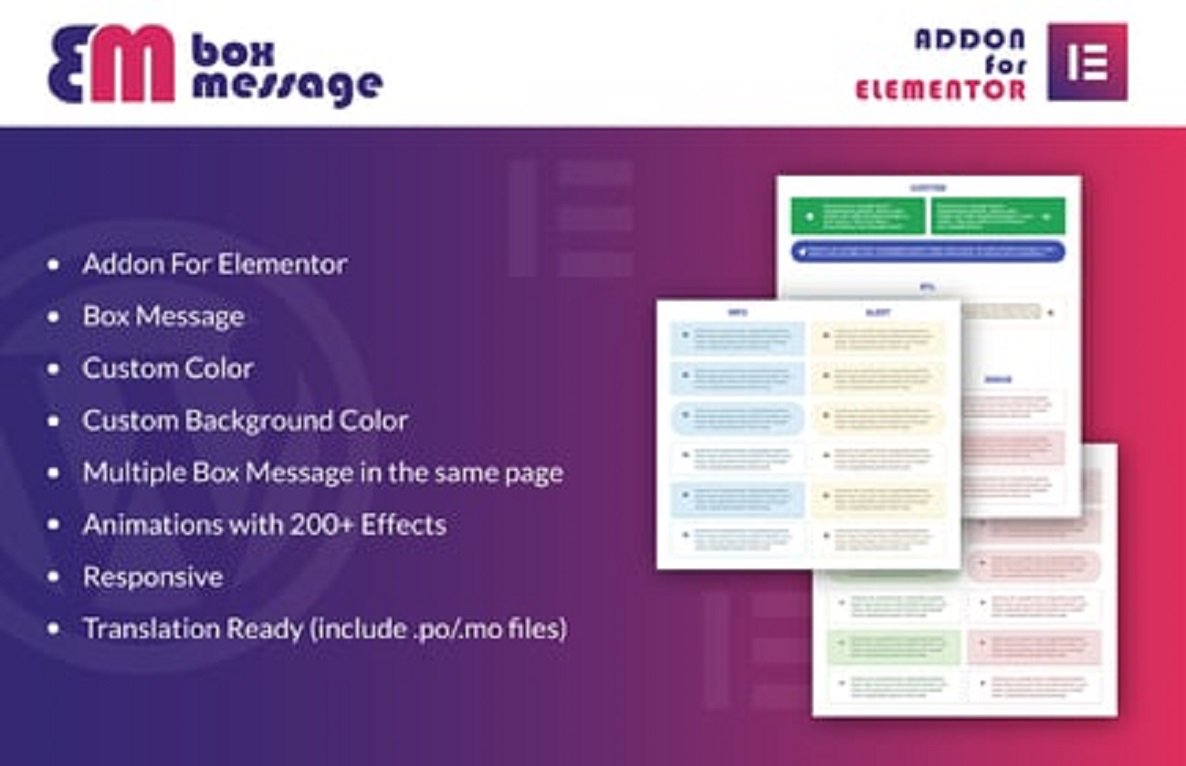
- 📦 Multiple Box Styles – Info, warning, success, error, and custom styles.
- 🎨 Fully Customizable Design – Adjust colors, typography, spacing, borders, and background.
- ✨ Hover Animations & Effects – Add fade, zoom, slide, or bounce animations.
- 🛠️ Elementor Integration – Drag-and-drop widgets for easy page building.
- 📱 Responsive & Mobile-Friendly – Boxes look perfect on any device.
- 🔗 Custom Links & Actions – Link messages to pages, products, or external URLs.
- ⚡ Lightweight & Fast – Optimized for speed without slowing down your site.
- 🌍 Multilingual & RTL Ready – Compatible with WPML, Polylang, and RTL sites.
- 🖼️ Icon & Emoji Support – Add icons, emojis, or images to make messages more engaging.
- 🔄 Reusable Templates – Save box styles and reuse them anywhere on your site.
📖 Long Description
The Box Message for Elementor WordPress Plugin 1.0 is designed to help you create visually appealing message boxes that grab your visitors’ attention. Whether you want to highlight promotions, important updates, announcements, or tips, this plugin allows you to display messages clearly and professionally.
You can choose from multiple box types like info, success, warning, or error, and customize colors, fonts, borders, and spacing. Hover animations and effects add interactivity, making your messages more noticeable.
Version 1.0 integrates seamlessly with Elementor, so you can design pages visually without coding. Add icons, emojis, or images to make your messages even more engaging. The plugin is fully responsive, RTL-ready, and lightweight, ensuring a professional appearance across all devices.
⚡ How It Works
- 🔧 Install & activate the plugin.
- ➕ Add a new Box Message in Elementor.
- 🎨 Customize box style, color, typography, icon, emoji, and hover effects.
- 🔗 Add optional links or actions for call-to-action purposes.
- 🚀 Publish your page to display stylish, attention-grabbing message boxes.
✅ Requirements
- WordPress 5.0+
- Elementor Free or Pro
- PHP 7.4+
💎 Why Choose Box Message for Elementor 1.0?
- 💬 Create attention-grabbing message boxes for announcements, alerts, or promotions
- 🎨 Fully customizable design to match your website branding
- 📱 Fully responsive and mobile-ready
- ✨ Add hover animations, icons, and emojis to enhance engagement
- ⚡ Lightweight, fast, and optimized for performance
- 🛠️ Easy setup with Elementor drag-and-drop widgets




Reviews
There are no reviews yet