





Description
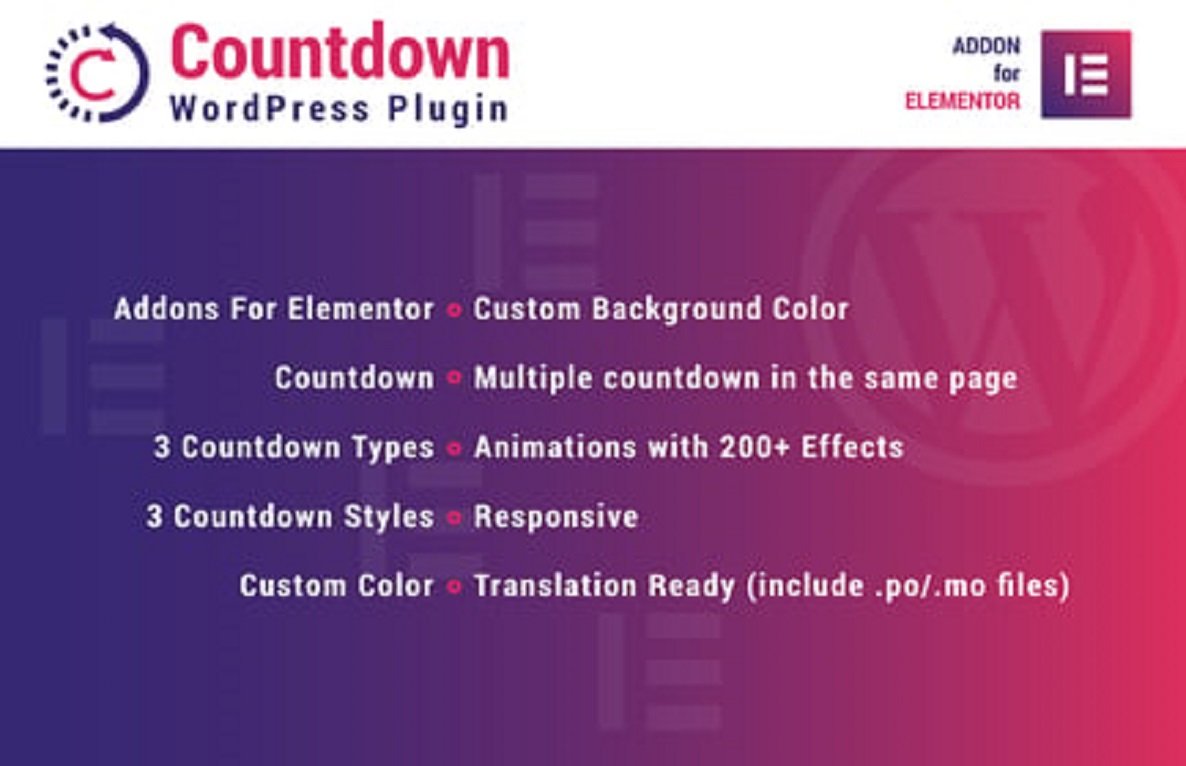
Countdown for Elementor WordPress Plugin 1.0
⏳ Create Engaging Countdown Timers
The Countdown for Elementor WordPress Plugin (v1.0) allows you to add fully customizable countdown timers to your WordPress pages using Elementor. Perfect for sales promotions, product launches, events, webinars, or limited-time offers, this plugin creates urgency, boosts conversions, and enhances user engagement.
⭐ Key Features
- ⏱️ Multiple Countdown Types – Display timers for sales, events, product launches, or special offers.
- 🎨 Fully Customizable Designs – Adjust colors, fonts, sizes, backgrounds, spacing, and animations.
- 🧩 Elementor Widget Integration – Drag and drop countdown timers anywhere on your pages.
- 🔄 Dynamic Timer Settings – Set start/end dates, recurring countdowns, and time zones.
- ✨ Smooth Animations & Effects – Fade, flip, slide, and hover effects for interactive countdowns.
- 📱 Responsive & Mobile-Friendly – Timers adapt perfectly on desktops, tablets, and smartphones.
- 🌍 Multilingual & Translation Ready – Compatible with WPML, Polylang, and other translation plugins.
- ⚡ Performance Optimized – Lightweight and fast-loading for seamless browsing experience.
- 🛠️ No Coding Required – Easy configuration and styling via Elementor interface.
- 💡 Boost Engagement & Conversions – Create urgency and encourage users to take immediate action.
📖 Long Detailed Description
Creating a sense of urgency is one of the most effective ways to boost conversions on websites. The Countdown for Elementor WordPress Plugin 1.0 allows you to add highly customizable countdown timers to your pages, making sales, product launches, events, and limited-time offers more compelling.
With this plugin, you can create multiple countdowns with different styles, colors, fonts, sizes, and backgrounds, ensuring they match your website’s branding. Timers can be configured with start and end dates, recurring schedules, and time zone adjustments, giving you complete control over countdown behavior. Smooth animations and interactive effects keep your visitors engaged, while responsive layouts ensure timers look great on any device.
Version 1.0 introduces full Elementor widget integration, dynamic countdown settings, smooth animations, and optimized performance, making it easy to add professional countdown timers without writing code.
By using Countdown for Elementor WordPress Plugin 1.0, you can create urgency, highlight limited-time promotions, increase clicks, and drive sales, making your WordPress website more dynamic, engaging, and conversion-focused.
⚡ How It Works
- 🛠️ Install & activate the plugin.
- ➕ Add the Countdown Timer widget anywhere on your page using Elementor.
- 🎨 Customize colors, fonts, sizes, backgrounds, and animations to match your website design.
- 🔄 Set start and end dates, recurring countdowns, and time zones.
- 🚀 Publish your page to display visually appealing, interactive countdown timers.
🖥️ Requirements
- ✅ WordPress 5.0 or higher
- ✅ Elementor (Free or Pro)
- ✅ PHP 7.4+
- ✅ Compatible with all modern WordPress themes
💎 Why Choose Countdown for Elementor?
- ⏱️ Create engaging countdown timers for promotions, events, and launches
- 🎨 Fully customizable designs to match your website branding
- 📱 Responsive and mobile-friendly countdowns
- ⚡ Lightweight, fast-loading, and optimized for performance
- 💡 Boost urgency, engagement, and conversions effortlessly
With Countdown for Elementor WordPress Plugin 1.0, you can add professional, interactive, and visually appealing countdown timers, making your WordPress site more engaging, persuasive, and conversion-focused, while highlighting limited-time offers or events effectively.





Reviews
There are no reviews yet