





Description
Crumber for Elementor 1.0.9
Overview
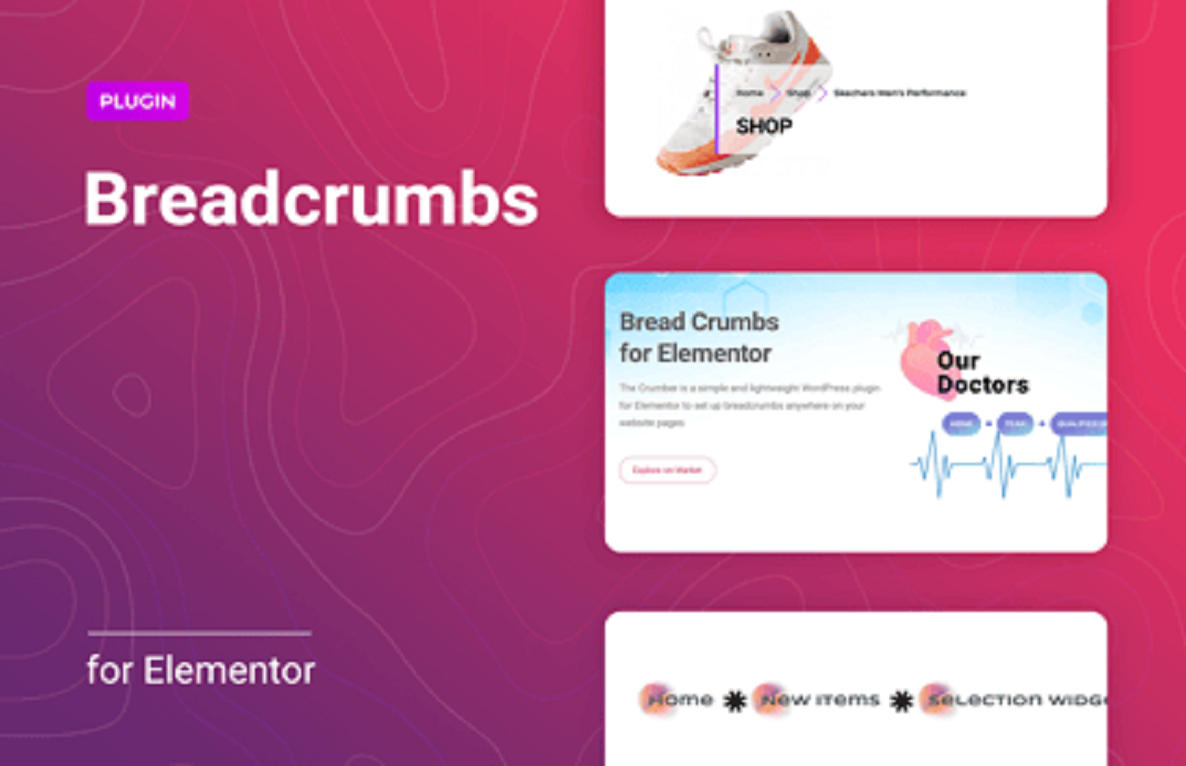
The Crumber for Elementor plugin is a breadcrumb navigation widget designed for the Elementor page builder. It allows you to add clean and SEO-friendly breadcrumbs to your WordPress site, helping users navigate easily while improving search engine visibility.
Key Features
🔹 Breadcrumb Navigation
- 🧭 Generate dynamic breadcrumbs for your pages.
- 🔗 Clickable links for parent categories, posts, or pages.
- 📝 Auto-detects the current page hierarchy.
🔹 Customization Options
- 🎨 Change colors, typography, and spacing.
- 🔘 Select different breadcrumb separators (/, >, |, etc.).
- 🖼️ Add icons to enhance the breadcrumb path.
🔹 Elementor Integration
- 🔌 Drag-and-drop breadcrumb widget inside Elementor editor.
- ⚙️ Live editing with real-time preview.
- 🖌️ Works with Elementor Free & Pro versions.
🔹 SEO-Friendly
- 📈 Structured data support for search engines.
- 🔍 Enhances navigation in Google search results.
- 🏷️ Improves user experience & reduces bounce rate.
🔹 Responsive & Lightweight
- 📱 Mobile-friendly layout.
- ⚡ Lightweight code, optimized for speed.
- 🚀 Works seamlessly with most WordPress themes.
Installation (Quick Guide)
⚙️ Steps
- 🔌 Install & activate the plugin.
- ✅ Open Elementor editor on your page.
- 🧭 Drag and drop the Crumber Breadcrumb widget.
- 🎨 Customize separator, style, and colors.
Settings & Configuration
🛠️ Options Available
- ✅ Enable/disable home link.
- 🔗 Customize breadcrumb hierarchy.
- 🎨 Styling options for text, hover, and icons.
- 🖼️ Select separator style and alignment.
Use Cases
🌐 Website Navigation
Add breadcrumbs to blog posts, product pages, or custom pages.
🛒 WooCommerce Stores
Guide customers through category → product → checkout flow.
📖 Blogs & Portfolios
Improve navigation for multi-level content.
Compatibility & Requirements
📋 General Requirements
- WordPress latest version.
- Elementor (Free or Pro).
- PHP 7.4+ recommended.
Pros & Cons
✅ Pros
- 🎯 Easy drag-and-drop setup with Elementor.
- 📈 SEO-friendly breadcrumbs.
- 🎨 Fully customizable styles.
⚠️ Cons
- ⚠️ Limited to breadcrumb navigation only.
- 🧩 May need theme adjustments for perfect placement.
FAQs
❓ Can I disable the homepage in breadcrumbs?
Yes — you can enable or disable the homepage link easily.
❓ Does it support WooCommerce?
Yes — it integrates with WooCommerce product/category pages.
❓ Is schema markup included?
Yes — it adds structured data for better SEO.
Short Changelog (v1.0.9)
- 🎉 Improved Elementor editor integration.
- 🐞 Fixed minor breadcrumb path issues.
- ⚡ Enhanced SEO structured data support.



Reviews
There are no reviews yet