
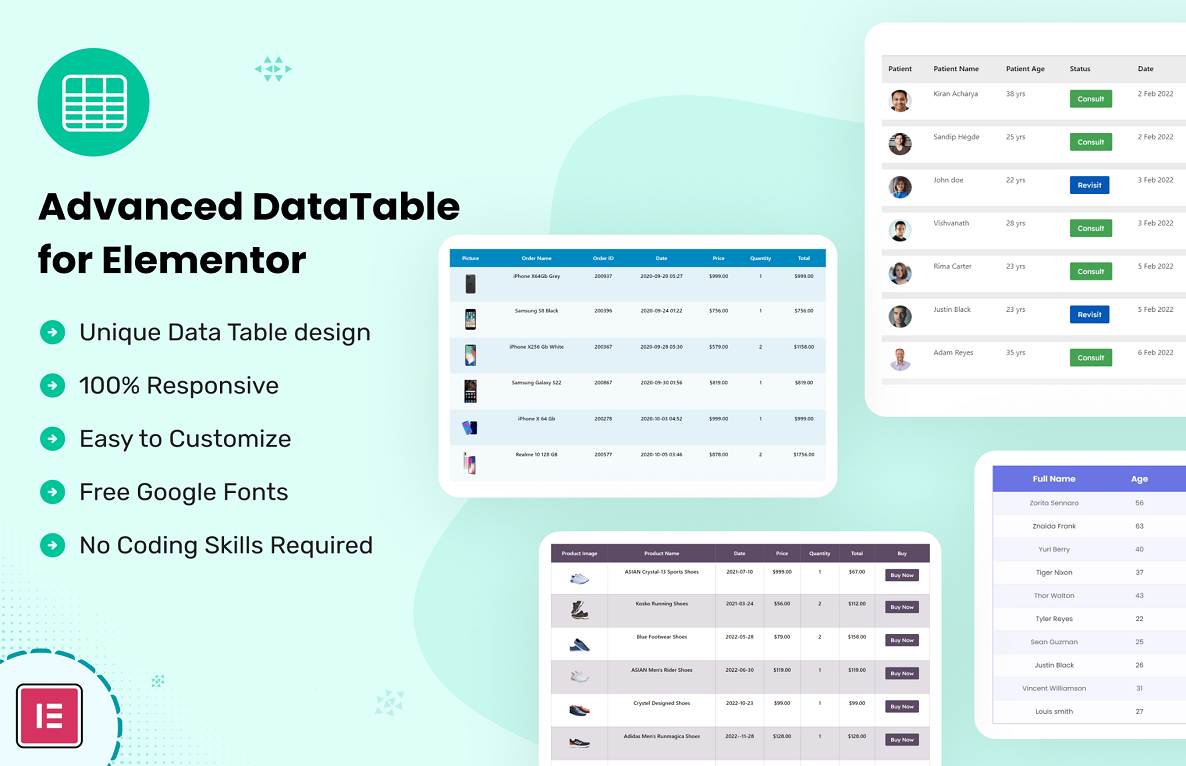





Description
Datalentor – Advanced DataTable for Elementor 1.0.3
Enhance your WordPress website with Datalentor, a powerful plugin designed to seamlessly integrate with Elementor. Create responsive, customizable, and interactive data tables effortlessly, perfect for displaying complex data in a user-friendly format.
🔧 Key Features
- 📱 Fully Responsive Design
Ensures your data tables look great on all devices, from desktops to mobile phones. - 🎨 Customizable Table Layouts
Easily adjust the appearance of your tables to match your website’s design. - 🔍 Sorting & Filtering
Allow users to sort and filter data, enhancing the user experience. - 🔍 Search Functionality
Enable quick data search within your tables for better accessibility. - 📄 Pagination Support
Manage large datasets by breaking them into manageable pages. - 📥 Import/Export Data
Easily import data from and export to various formats. - 🧩 Advanced Styling Options
Customize typography, colors, and borders to match your site’s theme. - 🌐 Multi-language Support
Compatible with multiple languages, making it ideal for global audiences. - ⚙️ Performance Optimized
Designed to handle large datasets without compromising site speed. - 🛠️ Easy Integration with Elementor
Drag and drop the DataTable widget into your pages with Elementor.
🛠️ Version 1.0.3 Highlights
- 🔄 Compatibility Updates
Ensured compatibility with the latest versions of WordPress and Elementor. - 🐛 Bug Fixes
Resolved minor issues to enhance plugin stability and performance. - 🔐 Security Enhancements
Implemented measures to bolster the security of your data tables.
💰 Pricing
- Single Site License: $10 USD
- Extended Support: Optional 6-month support extension available for an additional $5 USD.
📥 Installation Guide
- Download the plugin ZIP file.
- Navigate to Plugins > Add New in your WordPress dashboard.
- Click Upload Plugin, select the ZIP file, and click Install Now.
- After installation, click Activate.
- Ensure that the Elementor Page Builder plugin is also activated.
📚 Additional Resources
- Official Documentation: Provides detailed setup and customization instructions.
- Video Tutorial: A step-by-step guide on customizing the Datalentor plugin.



Reviews
There are no reviews yet