





Description
Dropzone Field for Elementor Form 1.3.0
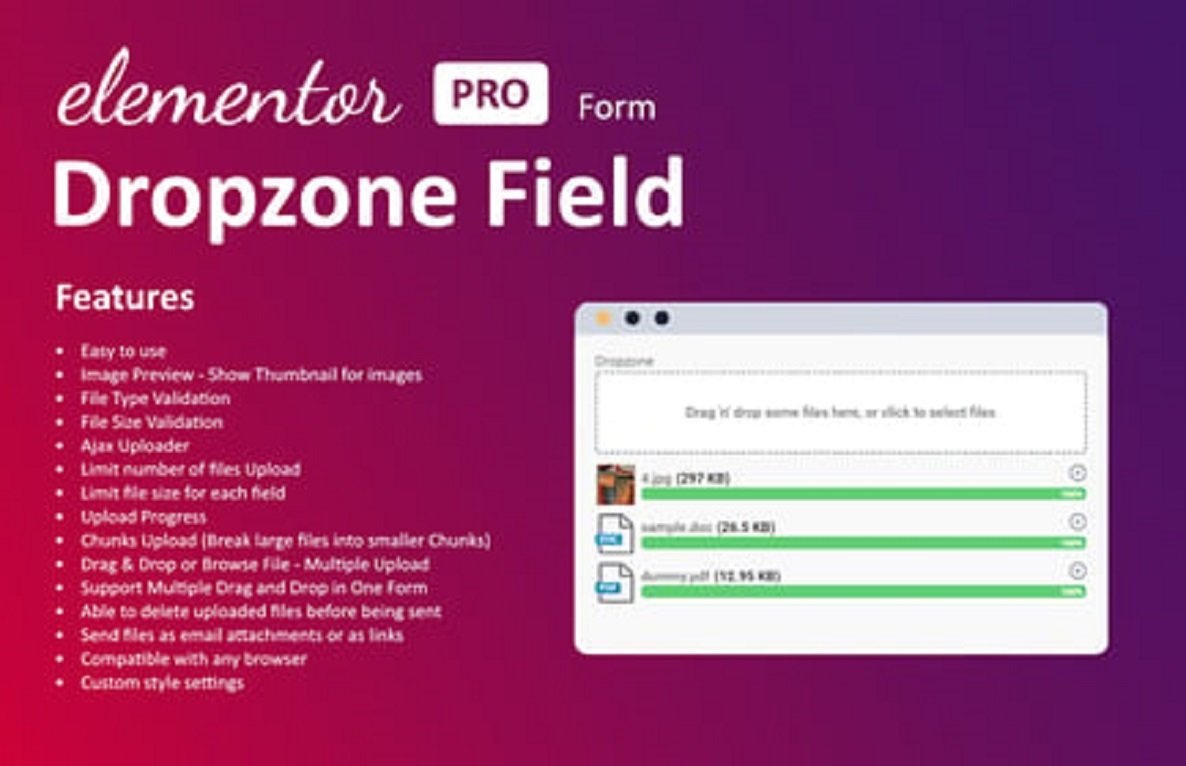
Dropzone Field for Elementor Form is a handy Elementor add-on that lets you add a drag-and-drop file upload field to Elementor Pro’s form widget. Instead of relying on the default upload option, this plugin provides a modern, user-friendly interface where visitors can easily drag files into the form area—making file submissions smooth and professional.
Perfect for job applications, contact forms, support tickets, quote requests, or any form that requires file uploads, this add-on improves both user experience and data collection.
🔑 Key Features
- 📂 Drag & Drop File Upload – Let users upload files with a modern dropzone UI.
- 🖼️ Multiple File Uploads – Allow single or multiple file submissions.
- 🎨 Customizable Styling – Adjust the look of the dropzone to match your brand design.
- 📏 File Type & Size Restrictions – Control allowed extensions (PDF, JPG, ZIP, etc.) and max size.
- ⚡ Seamless Elementor Integration – Works natively with Elementor Pro’s form builder.
- 📱 Responsive & Mobile-Friendly – Optimized for desktop, tablet, and mobile devices.
- 🔒 Secure Upload Handling – Ensures files are processed safely.
- 🚀 Lightweight & Fast – Built for performance without unnecessary bloat.
🎯 Use Cases
- 📝 Job Application Forms – Collect resumes, cover letters, and portfolios.
- 🛠️ Support & Ticket Forms – Let customers attach screenshots or documents.
- 💼 Business Quote Requests – Allow clients to send files (designs, specifications, etc.).
- 🎓 Educational Forms – Collect assignments or projects from students.
- 🎨 Creative Submissions – Let users upload artwork, photos, or designs easily.
🚀 Why Choose Dropzone Field for Elementor Form?
Default file upload fields often look outdated and aren’t very user-friendly. Dropzone Field provides a modern drag-and-drop experience, making uploads quicker, cleaner, and more reliable. This improves form usability, user satisfaction, and conversion rates.
✅ With Dropzone Field for Elementor Form 1.3.0, you can enhance your Elementor forms with a professional, drag-and-drop upload field—delivering better user interaction and smoother file submission.




Reviews
There are no reviews yet