





Description
FAQ for Elementor WordPress Plugin 1.0
❓ Create Interactive FAQ Sections Easily
The FAQ for Elementor WordPress Plugin (v1.0) allows you to build fully customizable and interactive FAQ sections for your WordPress site using Elementor. Perfect for business websites, eCommerce stores, service providers, and blogs, this plugin helps users find answers quickly, reduces support requests, and improves overall user experience.
⭐ Key Features
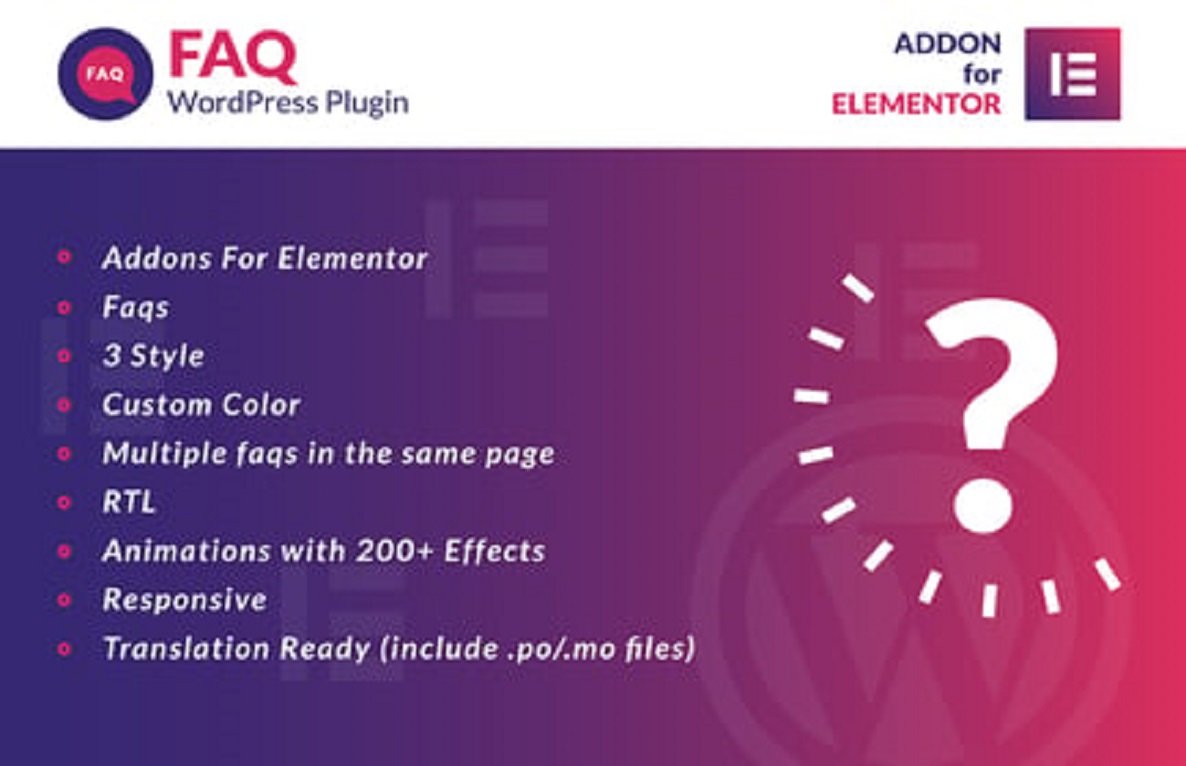
- 📝 Accordion-Style FAQ Layouts – Display questions in expandable/collapsible panels.
- 🎨 Customizable Designs – Adjust colors, fonts, icons, spacing, borders, and backgrounds.
- 🧩 Elementor Widget Integration – Add FAQ sections anywhere using Elementor widgets.
- 🔄 Easy FAQ Management – Add, edit, or remove questions quickly via the plugin dashboard.
- 📱 Responsive & Mobile-Friendly – FAQs look perfect on desktops, tablets, and smartphones.
- ✨ Smooth Animations & Effects – Expand/collapse with engaging transitions for better UX.
- 🌍 Multilingual & Translation Ready – Compatible with WPML, Polylang, and other translation plugins.
- ⚡ Performance Optimized – Lightweight and fast-loading, even with large FAQ lists.
- 🛠️ No Coding Required – Intuitive interface allows easy setup and customization.
- 💡 Enhances User Experience & Reduces Support Queries – Helps visitors find answers immediately.
📖 Long Detailed Description
An organized and interactive FAQ section is essential for any website to enhance usability, reduce support workload, and improve customer satisfaction. The FAQ for Elementor WordPress Plugin 1.0 allows you to create professional FAQ sections that are fully responsive, visually appealing, and easy to navigate.
With this plugin, you can add questions and answers in accordion layouts, so users can expand only the topics they are interested in, keeping pages neat and user-friendly. Customizable design options let you match FAQ sections with your website’s branding, while smooth expand/collapse animations create an engaging browsing experience.
Version 1.0 brings full Elementor integration, responsive layouts, enhanced style options, and optimized performance, making it easy to create professional FAQ sections without any coding.
By using FAQ for Elementor WordPress Plugin 1.0, you can present FAQs in an interactive and professional way, improve visitor experience, reduce repetitive support tickets, and make your website more organized and informative.
⚡ How It Works
- 🛠️ Install & activate the plugin.
- ➕ Add FAQ questions and answers via the plugin dashboard.
- 🎨 Customize colors, fonts, icons, spacing, and borders to match your branding.
- 🔄 Insert FAQ sections anywhere using Elementor widgets or shortcodes.
- 🚀 Publish your page to provide interactive and engaging FAQs for visitors.
🖥️ Requirements
- ✅ WordPress 5.0 or higher
- ✅ Elementor (Free or Pro)
- ✅ PHP 7.4+
- ✅ Compatible with all modern WordPress themes
💎 Why Choose FAQ for Elementor?
- 📝 Interactive accordion-style FAQ sections
- 🎨 Fully customizable designs to match your site branding
- 📱 Responsive and mobile-friendly
- ⚡ Lightweight, fast-loading, and optimized for performance
- 💡 Enhances user experience, reduces support queries, and improves website organization
With FAQ for Elementor WordPress Plugin 1.0, you can create clean, interactive, and professional FAQ sections that help visitors find answers quickly, improve website usability, and provide a polished, user-friendly experience, making your WordPress website more engaging, informative, and customer-focused.



Reviews
There are no reviews yet