
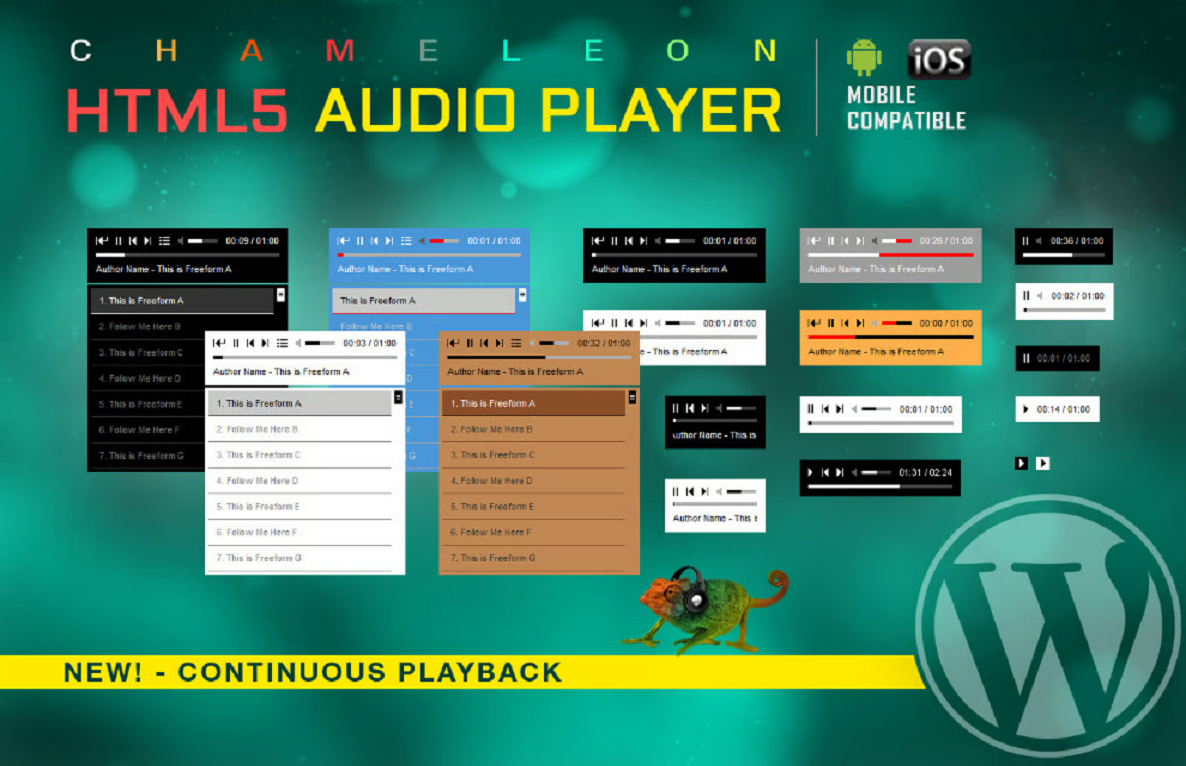





Description
HTML5 Audio Player WordPress Plugin 3.5.6
🎵 Quick summary
The HTML5 Audio Player WordPress Plugin is a lightweight, shortcode-driven audio player that embeds MP3/OGG files, supports playlists, and offers responsive, mobile-friendly playback for posts, pages, widgets and template files. (WordPress.org)
🧩 Key features (each point with emoji)
- 🎚️ Shortcode + Gutenberg block — add players anywhere using shortcodes or the included Gutenberg block. (WordPress.org English (Canada))
- 🖼️ Playlist support — create playlists (single or multiple tracks) that users can browse and play. (WordPress.org English (Canada))
- 📱 Responsive & mobile friendly — plays on desktop, tablet and smartphones (iOS/Android). (WordPress.org English (Canada))
- ⚙️ Customization options — color and layout options, show/hide controls, preload and autoplay settings (where browsers allow). (CodeCanyon)
- 🔗 Embed anywhere — supports embedding in posts, pages, widgets, or directly into theme template files. (WordPress.org English (Canada))
- 🔁 Playback controls — play, pause, seek, volume (note: some mobile browsers limit JS volume control). (WordPress.org English (Canada))
- 🔒 Pro (paid) extras available — extra pro features like advanced color controls, hiding buttons, and extra performance options are offered in paid/pro versions. (WordPress.org English (Canada))
⚠️ Important security note (must read)
- 🚨 Security advisory: Versions ≤ 3.5.6 of some HTML5 audio player plugins (variants/chameleon/responsive forks) have been reported with a SQL Injection vulnerability (high severity, CVSS ~8.5) in security databases — check your exact plugin slug and update immediately if your install matches the affected package. (Patchstack)
🔧 Compatibility & requirements
- 🧾 WordPress & PHP — check plugin page for the exact supported WP/PHP versions before installing. (WordPress.org)
- 🌐 Browser autoplay rules — modern browsers restrict autoplay (especially on mobile); autoplay may be disabled by the browser. (WordPress.org English (Canada))
- 🔗 HTTPS streams — use secure (HTTPS) audio URLs to avoid mixed-content issues and ensure consistent playback. (WordPress.org English (Canada))
⚠️ Source & legitimacy reminder
- ⚖️ Always use official sources (CodeCanyon / WordPress.org / plugin author site). Avoid “nulled” copies from third-party sites — they often contain malware, no support, and no security updates. (CodeCanyon)
✅ Recommended actions (all with emoji)
- 🔍 Verify your plugin slug/version — confirm whether the plugin installed on your site is exactly the package referenced (same author/slug). (CodeCanyon)
- ⬆️ Update if a fixed version exists — if the vendor has released a patched version after 3.5.6, update immediately. (CodeCanyon)
- 🛡️ If you cannot update, mitigate — restrict access, remove the plugin, or block suspicious requests at the webserver/WAF level until patched. (Patchstack)
- 🔐 Backup first — always back up files & DB before updating or making security changes. (general best practice)
- 📦 Get from official marketplace — re-download from CodeCanyon / WordPress.org or the plugin author’s official site if you need a fresh, safe copy. (CodeCanyon)




Reviews
There are no reviews yet