





Description
Pricing Table Addon for Elementor 1.0
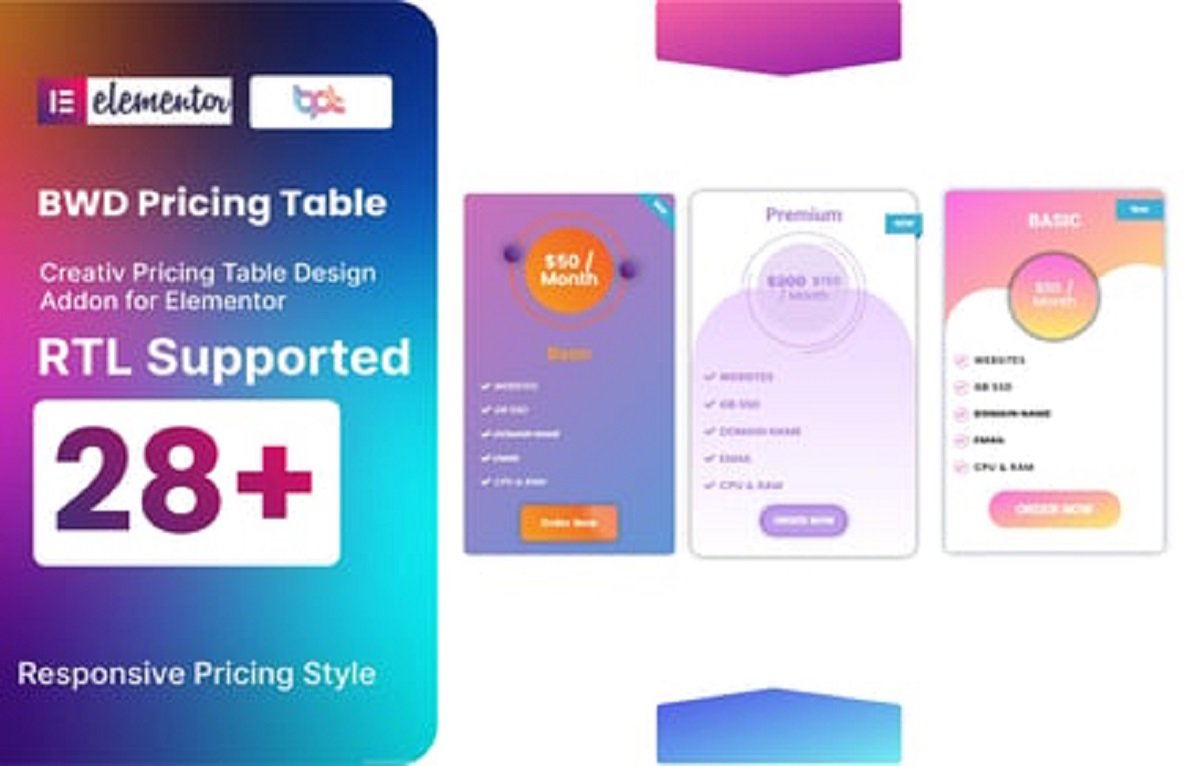
Create beautiful, high-converting pricing tables in seconds — fully responsive, easy to customize, and built to match any website style. This addon extends Elementor with flexible pricing table widgets that work for SaaS, agencies, eCommerce, freelancers, and more.
Key Features
- ⚡ Drag-and-drop editor — Build and adjust pricing tables directly inside Elementor with no code.
- 📱 Fully responsive — Tables automatically adapt for mobiles, tablets and desktops with easy column stacking options.
- 🎨 Custom styling — Change fonts, colors, borders, shadows, spacing and backgrounds per table or per column.
- ⭐ Highlight/Featured plan — Emphasize a recommended plan with badge, different colors, and larger size.
- ✅ Features list per plan — Add feature rows with icons, tooltips, and custom text for each plan.
- 🔁 Monthly/Yearly toggle — Let visitors switch billing cycles; show discounted yearly price and strike-through monthly price.
- 🧾 Price badges & ribbons — Add “Best value”, “Popular”, or “New” ribbons to any plan.
- 🛒 CTA buttons — Fully customizable call-to-action buttons (link, anchor, or popup trigger).
- 🧩 Icon library & custom icons — Choose from built-in icons or upload your own SVGs.
- ♻️ Pre-built templates — Several ready-made table styles to import and tweak quickly.
- 🔌 Seamless Elementor integration — Works with both Elementor Free and Pro.
- ⚙️ Advanced settings — Animation on hover, entrance effects, column equalizer, and spacing controls.
- 🌐 Translation-ready & RTL support — Compatible with WPML, Polylang; right-to-left languages supported.
- 🔒 Lightweight & performance-minded — Minimal CSS/JS to keep pages fast.
Benefits
- 🚀 Faster launches — Build professional pricing pages quickly without relying on developers.
- 💡 Higher conversions — Highlighting and toggles make it easier for visitors to choose plans.
- 🔄 Flexible for any business — Works for subscription services, one-time purchases, memberships, and product comparison.
- 🧰 Designer-friendly — Full control over layout and style so tables match your brand.
Use Cases
- SaaS pricing pages with monthly/yearly toggle.
- Freelancers showing tiered service packages.
- eCommerce product comparison and feature grids.
- Agency websites presenting retainers and one-time projects.
Installation & Compatibility
- Requires: WordPress 5.0+, Elementor 3.0+ (compatible with Elementor Pro).
- Install via WordPress plugin uploader or upload the zip to your site plugins.
- No additional libraries required.
How to Use (Quick Start)
- Install and activate the addon.
- Open Elementor on the page where you want your pricing table.
- Drag the “Pricing Table” widget into your layout.
- Choose a template or start from scratch.
- Add columns for each plan, edit prices, features, and CTAs.
- Save and preview on different devices.
Support & Updates
- Includes basic documentation and setup guide.
- Regular minor updates and bug fixes for version 1.x.
- Premium support options available for custom styling help.
Short Changelog (v1.0)
- Initial release: core pricing table widget, monthly/yearly toggle, templates, responsive controls, and styling options.





Reviews
There are no reviews yet