
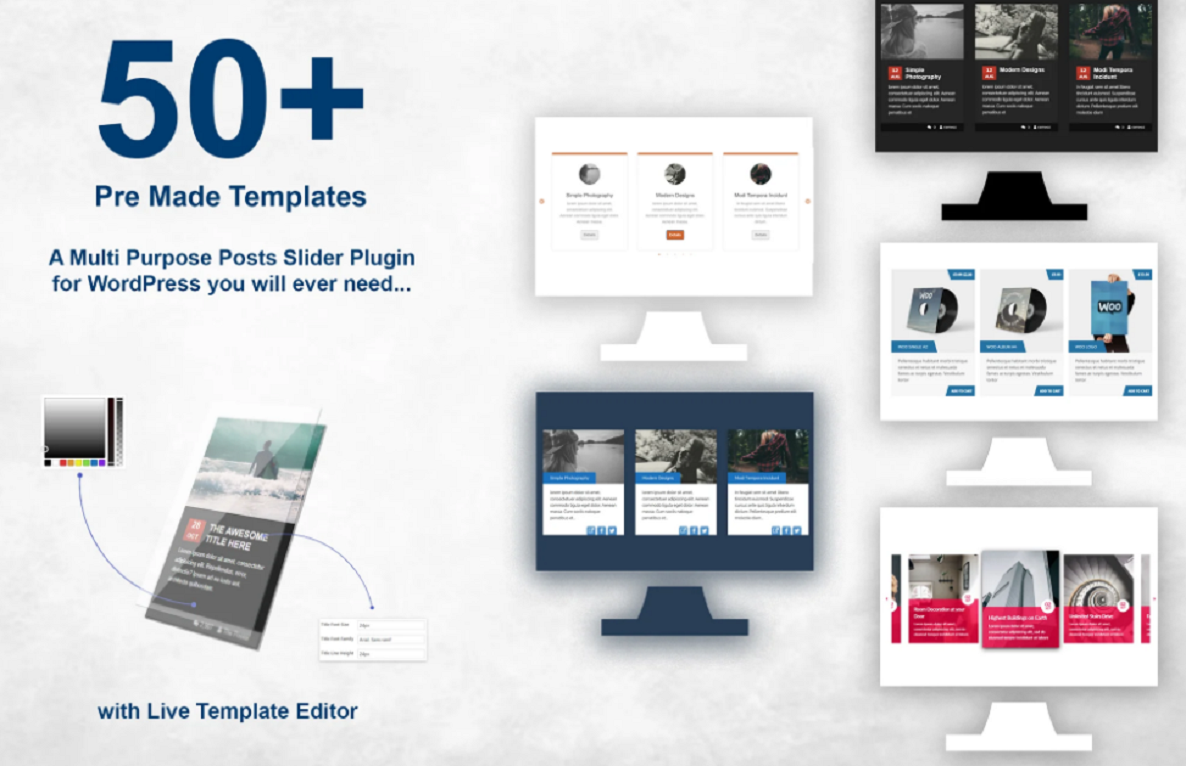





Description
Responsive Posts Carousel WordPress Plugin 14.1
Overview
The Responsive Posts Carousel WordPress plugin allows you to showcase posts, custom post types, or products inside a fully responsive, touch-enabled carousel. It’s designed to make your blog, portfolio, or WooCommerce store look modern, interactive, and mobile-friendly.
Key Features
🔹 Fully Responsive & Mobile Ready
- 📱 Adapts perfectly to desktops, tablets, and mobiles.
- 🖱️ Touch & swipe navigation support.
🔹 Multiple Content Sources
- 📰 Display standard WordPress posts.
- 🎨 Show custom post types or WooCommerce products.
- 🏷️ Filter by categories, tags, or custom taxonomies.
🔹 Advanced Customization
- 🎨 Choose number of items per slide, autoplay, speed, and effects.
- 🧩 Customizable carousel layouts (grid, list, boxed).
- 🖼️ Control image size, post title, excerpt, and meta display.
🔹 Easy Integration
- 🔌 Shortcode generator for embedding anywhere.
- ⚙️ Compatible with popular page builders (Elementor, WPBakery, Gutenberg).
🔹 Performance Optimized
- ⚡ Lightweight design for faster loading.
- 🚀 Lazy load support for images.
Installation (Quick Guide)
⚙️ Steps
- 🔌 Install & activate the plugin.
- ✅ Go to Posts Carousel Settings in the WP dashboard.
- 🛠️ Select post type, category, and carousel options.
- 📋 Copy & paste the generated shortcode into any page/post.
Settings & Configuration
🛠️ Main Options
- ✅ Enable/disable autoplay.
- 🔁 Loop carousel items.
- 🎚️ Adjust speed, navigation arrows, dots, and touch swipe.
- 📑 Choose whether to show/hide title, excerpt, author, date.
- 🖼️ Custom image size & thumbnail settings.
Use Cases
🎁 Featured Posts
Highlight your latest or most popular blog posts in a slider.
🛒 WooCommerce Products
Display featured or on-sale products in a carousel.
🎨 Portfolio Showcase
Showcase custom post types like portfolio, testimonials, or events.
Compatibility & Requirements
📋 General Requirements
- WordPress latest version.
- Works with WooCommerce for product carousel.
- PHP 7.4+ recommended.
Pros & Cons
✅ Pros
- 🎯 Easy to set up with shortcode generator.
- 📱 Fully responsive and mobile-friendly.
- 🧩 Works with posts, pages, custom post types, and products.
⚠️ Cons
- ⚠️ Too many carousels on one page may affect performance.
- 🧩 May require CSS tweaks to match all themes perfectly.
FAQs
❓ Can I use multiple carousels on the same page?
Yes — you can create and embed multiple carousels with unique shortcodes.
❓ Does it support custom post types?
Yes — you can display posts, pages, products, or any custom post type.
❓ Is it touch/swipe enabled?
Yes — works smoothly on mobile and tablet devices.
Short Changelog (14.1)
- 🐞 Fixed minor compatibility issues with WordPress 6.x.
- ⚙️ Improved carousel responsiveness & swipe gestures.
- 🔄 Enhanced shortcode generator with new options.




Reviews
There are no reviews yet