





Description
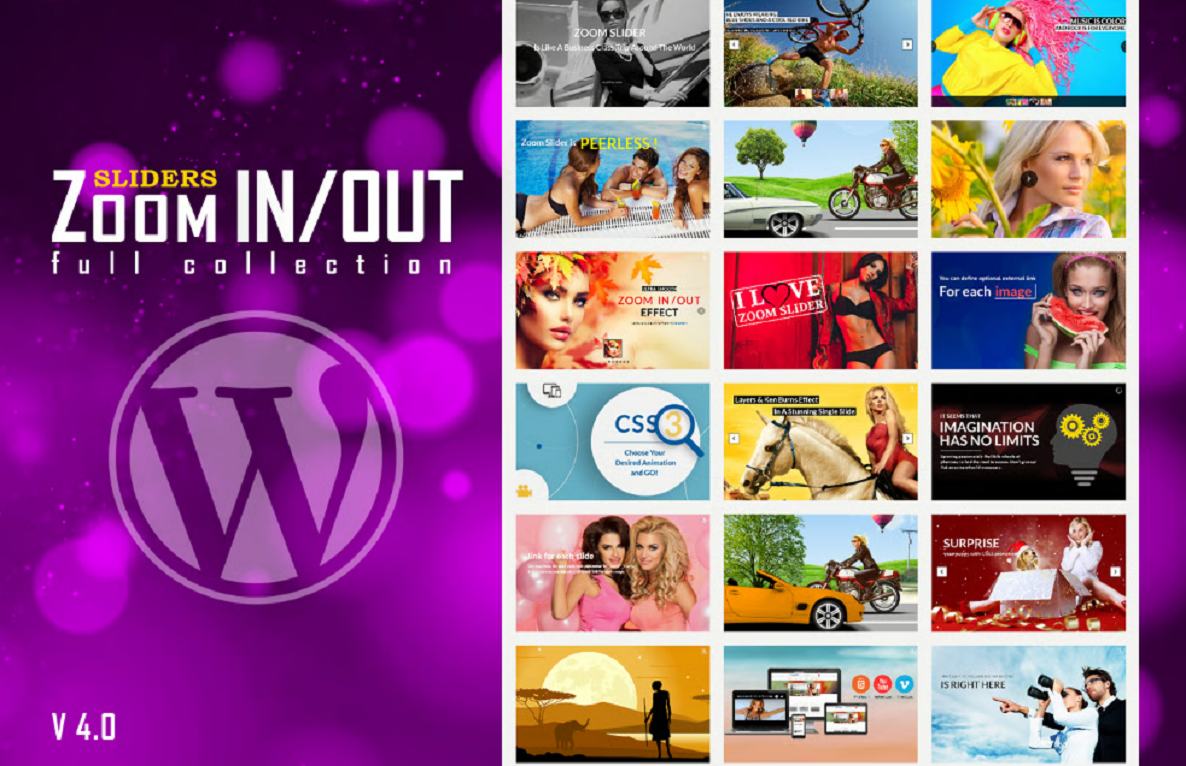
Responsive Zoom In/Out Slider WordPress Plugin 5.4.4
💡 What It Is
A WordPress slider plugin that offers zoom in/out effects (Ken Burns-style) for images (and sometimes videos), with responsive design. It lets you create sliders in different layouts: fixed size, full width, etc. (CodeCanyon)
🛠 Key Features
- 🔍 Zoom In/Out Effects — Smooth animations where slides zoom in or out (and sometimes with panning) to draw attention. (Zoom Panning Effect Slider)
- 🎨 Multiple Layouts — Includes versions like fixed dimensions, full width, maybe full screen. (CodeCanyon)
- 📱 Responsive Behavior — Adjusts well on desktop, tablet, mobile. Ensures sliders look good across devices. (Zoom Panning Effect Slider)
- 🌐 Browser Compatibility — Works on all major browsers. (CodeCanyon)
- 🖼 Skins / Style Options — Pre-set skin layouts/themes like “Opportune”, “Majestic”, “Generous” (or similar) for visual styling. (Zoom Panning Effect Slider)
- ⏱ Autoplay / Transition Controls — Users can typically set transition speed, pause or autoplay, control timing etc. (Zoom Panning Effect Slider)
- 💡 Touch / Swipe Support — On mobile/touch devices, slider swipes may be supported. (Often in slider plugins with responsive zoom-effects). (Zoom Panning Effect Slider)
⚠️ Limitations & Things to Check / Beware
- ⚠ Performance Overhead — Zoom and pan animations are more CPU/GPU intensive than simple fade/slide. On slower devices or older browsers, may lag or affect page performance.
- ⚠ Autoplay & Mobile Restrictions — Some mobile browsers restrict autoplay, especially with sound, or disable certain animations for performance/battery reasons.
- ⚠ Image Quality / Loading — High-resolution images required for smooth zoom without pixelation; but larger images increase load time. Lazy loading may need to be used.
- ⚠ Theme / CSS Conflicts — Slider’s styles or scripts might clash with theme styles, especially responsive CSS or overrides.
- 🛡 Source & Licensing — Be sure plugin version is from an official / trusted source; unauthorized or nulled copies might have security risks.
✅ Good Practices / Suggestions
- Use optimized images (compressed, appropriate dimensions) so zoom effects look good without heavy load.
- Set up lazy loading for slider images if plugin supports it.
- Limit the number of slides in one slider if many animations are used to avoid excessive load.
- Test slider appearance and performance on various devices and browsers (especially mobile).
- Keep plugin updated; check whether 5.4.4 is the latest stable version.



Reviews
There are no reviews yet