
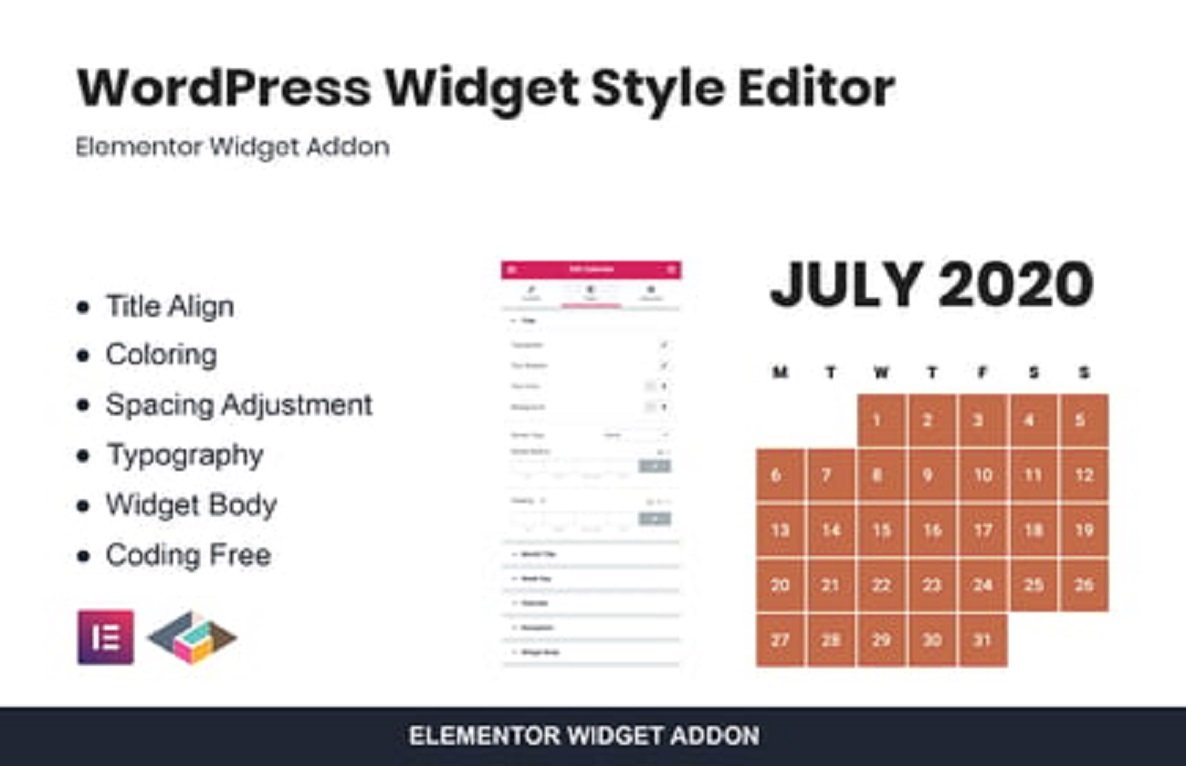





Description
WordPress Widget Style Editor Elementor Addon 1.0.2
🌟 Introduction
🎨 WordPress Widget Style Editor Elementor Addon 1.0.2 is a powerful plugin designed to give you full design control over your WordPress widgets directly inside Elementor. Instead of being restricted by default widget designs, this addon allows you to customize, style, and transform your widgets into visually stunning elements that perfectly match your site’s branding. From typography and colors to spacing and advanced CSS effects, this addon provides a complete styling toolkit for Elementor users.
🚀 Key Features
- 🎛️ Full Widget Styling Control – Change backgrounds, borders, and typography.
- 🎨 Custom Color Options – Set custom text, hover, and background colors.
- 📐 Spacing & Alignment – Adjust margin, padding, and layout with ease.
- 🖼️ Background Options – Solid, gradient, image, or pattern backgrounds.
- 🔤 Typography Settings – Google Fonts integration with full font styling.
- 🎬 Hover & Active Effects – Add animations and hover transitions.
- ⚡ Lightweight & Fast – Optimized to load quickly without slowing down.
- 📱 Responsive Design – Customize widgets across desktop, tablet, and mobile.
- 🧩 Works with Any Widget – Default WordPress widgets + Elementor widgets.
- 🔗 Custom CSS Support – Add extra styles for complete flexibility.
🎯 Why Choose Widget Style Editor Addon?
- ✅ Unlimited Design Freedom – Break free from boring default widgets.
- 🖌️ Match Your Brand – Customize every detail to fit your theme.
- 📱 Mobile Friendly – Ensure perfect widget design on all screen sizes.
- 👨💻 Beginner Friendly – No coding required, all visual controls.
- 🌍 Works With Any Theme – 100% compatible with modern WordPress themes.
- ⚡ Boost User Engagement – Make widgets more attractive and interactive.
- 🛒 Perfect for WooCommerce – Style product widgets beautifully.
- 🎨 Ideal for Designers – Deliver pixel-perfect websites easily.
⚙️ How It Works
- 🛎️ Step 1: Install & activate the addon.
- 🎛️ Step 2: Open Elementor editor and add a widget (WordPress or Elementor).
- 🎨 Step 3: Use the new styling panel to adjust typography, colors, and effects.
- 👀 Step 4: Preview changes in real-time.
- 🚀 Step 5: Save and publish your styled widget.
📝 Customization Options
- 🔠 Typography Controls – Font size, weight, spacing, and line height.
- 🌈 Color Customizer – Text, background, and hover states.
- 🖼️ Background Styles – Image, gradient, or solid fill.
- 📐 Box Controls – Margin, padding, border, and radius.
- 🎬 Animation Effects – Hover effects, transitions, and fades.
- 💻 Custom CSS – Add extra styling if needed.
📋 Use Cases
- 📰 Blog Widgets – Style recent posts, categories, or tags.
- 🏪 WooCommerce Widgets – Customize product filters, search, and cart.
- 📊 Sidebar Widgets – Make sidebars modern and engaging.
- 📅 Event & Calendar Widgets – Style date pickers and event lists.
- 🏢 Business Websites – Enhance contact forms and service lists.
- 🎨 Creative Portfolios – Display styled categories and image grids.
🔄 Version 1.0.2 Updates
- 🆕 Improved Styling Controls – More options for hover & active states.
- 📱 Better Responsive Options – Fine-tuned for tablet and mobile.
- ⚡ Performance Optimization – Faster rendering of styled widgets.
- 🐞 Bug Fixes – Fixed minor compatibility issues with themes.
- 🎨 UI Enhancements – Cleaner control panel for easier styling.
✅ Requirements
- 🖥️ WordPress 5.0+
- 🐘 PHP 7.2+ recommended
- 🎨 Elementor Free or Pro
- 🧩 Works with default WordPress widgets + Elementor widgets
📌 Final Thoughts
💡 WordPress Widget Style Editor Elementor Addon 1.0.2 gives you unlimited creative freedom to design your widgets the way you want. Whether you’re working on a blog, WooCommerce store, portfolio, or business website, this addon ensures that your widgets look professional, modern, and on-brand. It’s a must-have tool for Elementor users who want to go beyond basic styling. 🚀



Reviews
There are no reviews yet